Blog
Notes from the forge.
How we think about spec-driven integration, multi-tenant architecture, and shipping an iPaaS you never have to operate.
 ·5 min read
Build vs. buy: how to actually decide on your next integration
The "should we build this ourselves" thread shows up every week, and it almost always gets answered with a build estimate. The build estimate is not the question. Here is the checklist that actually decides it.
Read post → ·5 min read
The migration nobody planned for: when the vendor deprecates your integration
Your integration did not break. A vendor put an end date on the method it was built with. That is the migration nobody budgeted, nobody owns, and everybody discovers about six weeks before the deadline. Here is how to find your exposure now, and how to stop being the org that keeps getting surprised.
Read post → ·5 min read
The AI tax: why one AI step quintupled your automation bill
A new complaint is all over the automation threads: the workflow did not change, an AI step went into it, and the monthly bill went up 5x. Here is exactly where the AI meter hits, five ways to cap it without giving up the AI, and the point where capping stops being the answer.
Read post → ·6 min read
Is MuleSoft overkill for a simple Salesforce sync? (usually, yes)
It is one of the most-asked questions in the Salesforce threads, and the honest answer is that most teams asking it are being sold a platform to solve a two-object problem. Here is how to right-size the decision — native connector, lightweight automation, full iPaaS, or not owning it at all.
Read post → ·7 min read
Best Zapier alternatives for 2026 (by team, volume, and budget)
Zapier is great until per-task pricing, branching logic, or data volume start to hurt. Here are the strongest Zapier alternatives in 2026 — Make, Workato, n8n, Power Automate, Pipedream, Tray — with an honest read on who each one fits, plus the option for teams that would rather not build and maintain any of it.
Read post → ·6 min read
Best Fivetran alternatives for 2026 (warehouse loading and beyond)
Fivetran nails one-way warehouse loading, but consumption pricing by active rows and its ELT-only scope send teams looking. Here are the best Fivetran alternatives in 2026 — Airbyte, Stitch, Hevo, Matillion, Rivery — plus the question worth asking first: did you actually need ELT, or two-way integration?
Read post → ·5 min read
Boomi vs Zapier: which one is actually for you (and when neither is)
Boomi and Zapier both "connect your apps," but they are built for different people and break at different points. Here is a plain comparison — connector model, transforms, data volume, governance, and price — plus the moment teams outgrow both and want the work done for them.
Read post → ·5 min read
AWS Glue vs Integrate.io: pick the ETL that matches your team
AWS Glue and Integrate.io both move and transform data, but one assumes data engineers and an AWS-native stack, and the other trades some power for a low-code, predictable-cost experience. Here is how to choose — and the managed path when you would rather not own the pipeline at all.
Read post → ·4 min read
AWS AppFlow vs AWS Glue: they are not actually competitors
People compare AppFlow and Glue as if you must pick one, but they solve different halves of the problem — AppFlow ingests SaaS data into AWS, Glue transforms data at scale. Here is when to use each, when to use both, and the simpler path when you just want the result.
Read post → ·5 min read
Leaving MuleSoft: what a migration off it actually takes
"Leaving MuleSoft" is one of the most common threads in enterprise integration right now — usually right after the renewal quote. The flows work fine; it is the license and the runtime that hurt. Here is what the migration really involves, the costs nobody scopes, and how to make it a fixed number instead of an open-ended project.
Read post → ·4 min read
The "Zapier tax": when per-task pricing starts punishing your growth
Reddit has a name for it now — the "Zapier tax." A Zap that cost a few dollars a month quietly becomes a few hundred as volume and branching grow. Here is exactly where the tax hits, when you have outgrown it, and the flat-fee alternative.
Read post → ·5 min read
The integration pains nobody scopes — straight from the threads
We read hundreds of integration discussions across r/salesforce, r/Netsuite, r/MuleSoft, r/zapier and more. The same pains keep surfacing — and almost none of them are about the connection itself. Here is what buyers actually struggle with, and why.
Read post → ·4 min read
AI Assist & Govern: describe an integration, keep full control
Connecting two systems should start with a sentence, not a project. Episode 4 of the feature tour shows the Weldforge AI assistant capturing a build request in plain English — then the govern half: every mapping versioned, every change in the audit log.
Read post → ·4 min read
Inside the Weldforge console: versioned, audited, in your control
You describe what to connect and we build and run it — but you still need to see it, version it, and trust it. Episode 3 of the feature tour walks the Weldforge console: describe an integration and watch the assistant draft the spec, then the tamper-evident audit log, usage against your plan, per-person access, and your security posture.
Read post → ·5 min read
When Zapier stops making sense for agencies
Per-task pricing scales with your success — which is exactly the problem once you run client automations at volume. Here is how agencies and MSPs keep margins, and when it pays to move a workflow to a managed flat-fee build instead of scaling tasks.
Read post → ·5 min read
Salesforce to NetSuite without the reconciliation mess
The native Salesforce-NetSuite connector is the easy 20%. The other 80% is reconciling two very different data models — customer matching, SKU crosswalks, multi-currency, revenue timing. Here is what actually goes wrong, and how Weldforge builds and runs it for a flat fee.
Read post →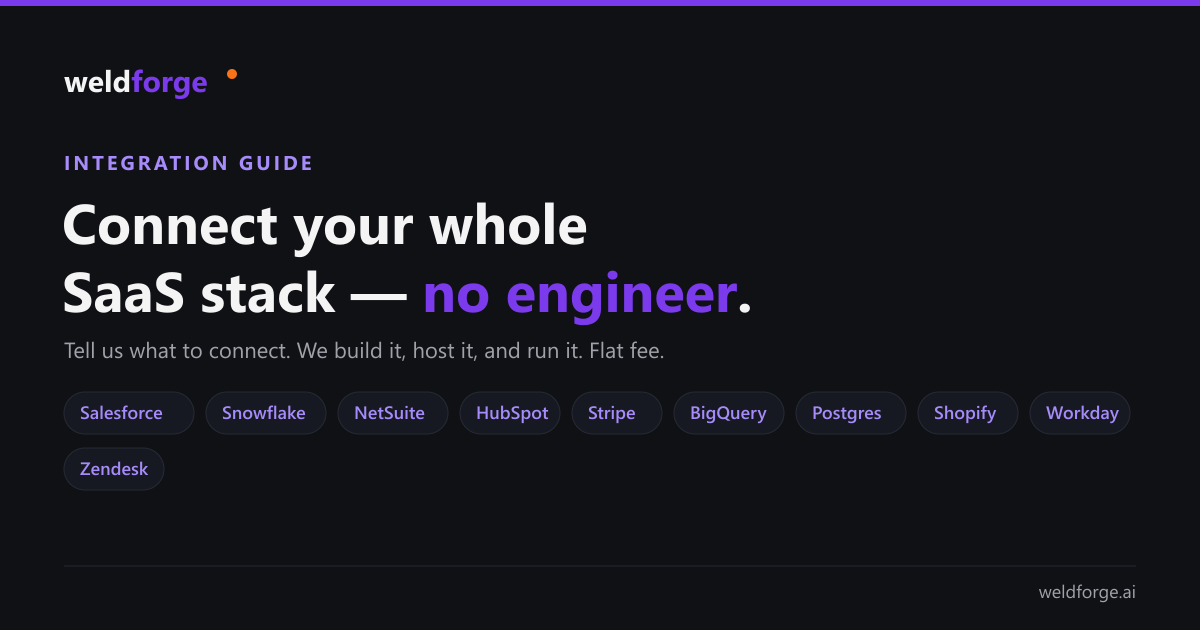 ·6 min read
Connect your whole SaaS stack — without hiring an integration engineer
A practical guide to the integrations most teams actually need — CRM into the warehouse, ERP and finance, support, ecommerce, and databases — and how to get each one built, hosted, and run for a flat fee instead of staffing a platform.
Read post →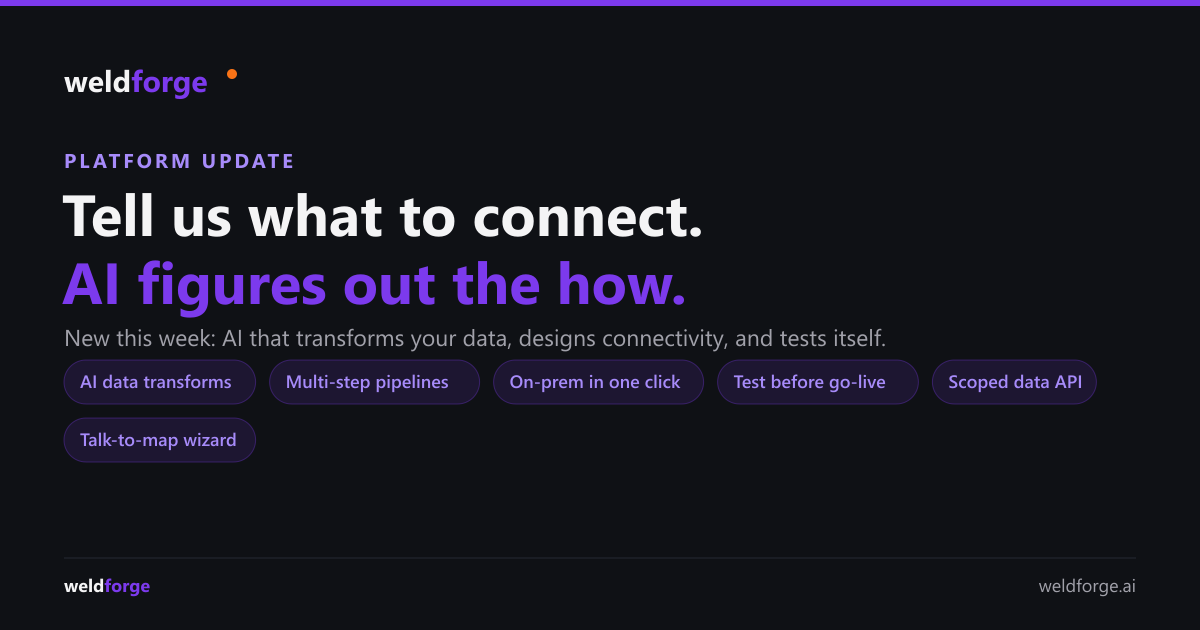 ·5 min read
What’s new: tell us what to connect, AI figures out the how
A big week of platform updates — AI that transforms your data from a plain-English description, pipelines across more than two systems, talk-to-build mapping, on-prem connections in one click, a test-before-you-go-live sandbox, and a secure read API for your own data.
Read post →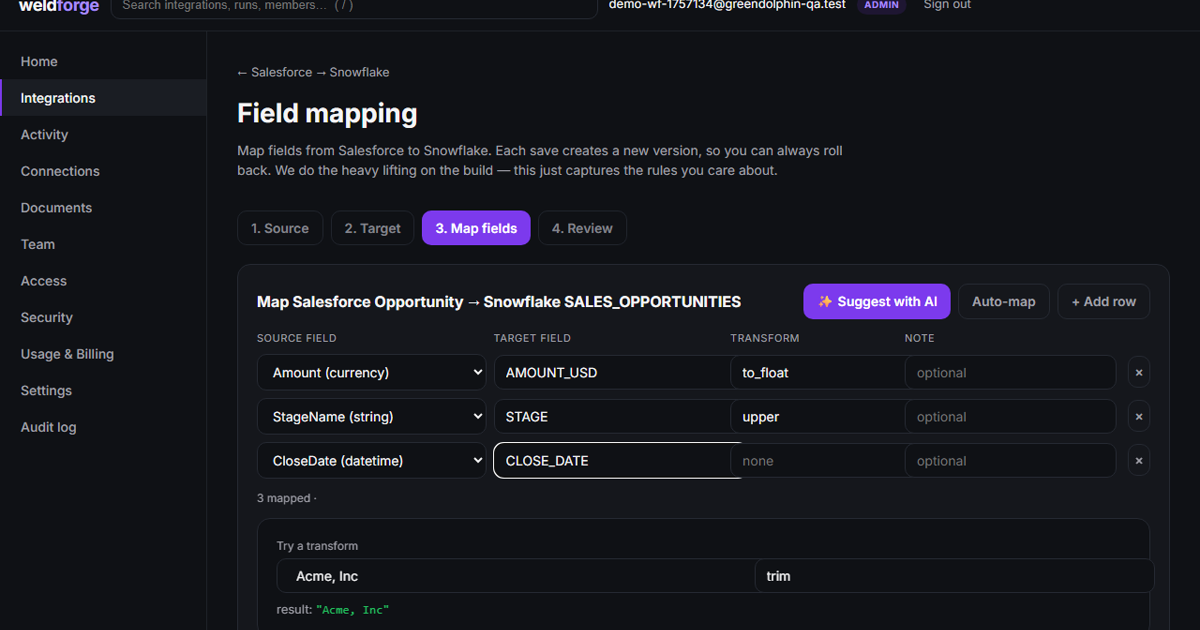 ·9 min read
How to integrate your business systems: a practical 2026 guide
The four ways to connect two business systems — DIY code, iPaaS, ELT, and done-for-you — with the real trade-offs, how to choose, the pitfalls to avoid, and links to specific integration and tool comparisons.
Read post → ·4 min read
What's new in the mapping wizard: clearer to read, built for real data
A round of upgrades to the platform mapping wizard: business-readable field names with plain-English explanations, a single clean sample per field, your own sample data, collection and nested-object mapping, one-click AI auto-fix with a change overlay, and undo. Easier to read — and it handles the data shapes real systems actually return.
Read post →- ·7 min watch
New: our AI-driven platform intake & mapping process for any integration
A full walkthrough of the AI-driven way Weldforge scopes integrations: describe the outcome in plain language and the platform AI drafts the field-by-field mapping — typed, previewed on real sample data, validated, with one-click AI fixes. For any source and target.
Read post → 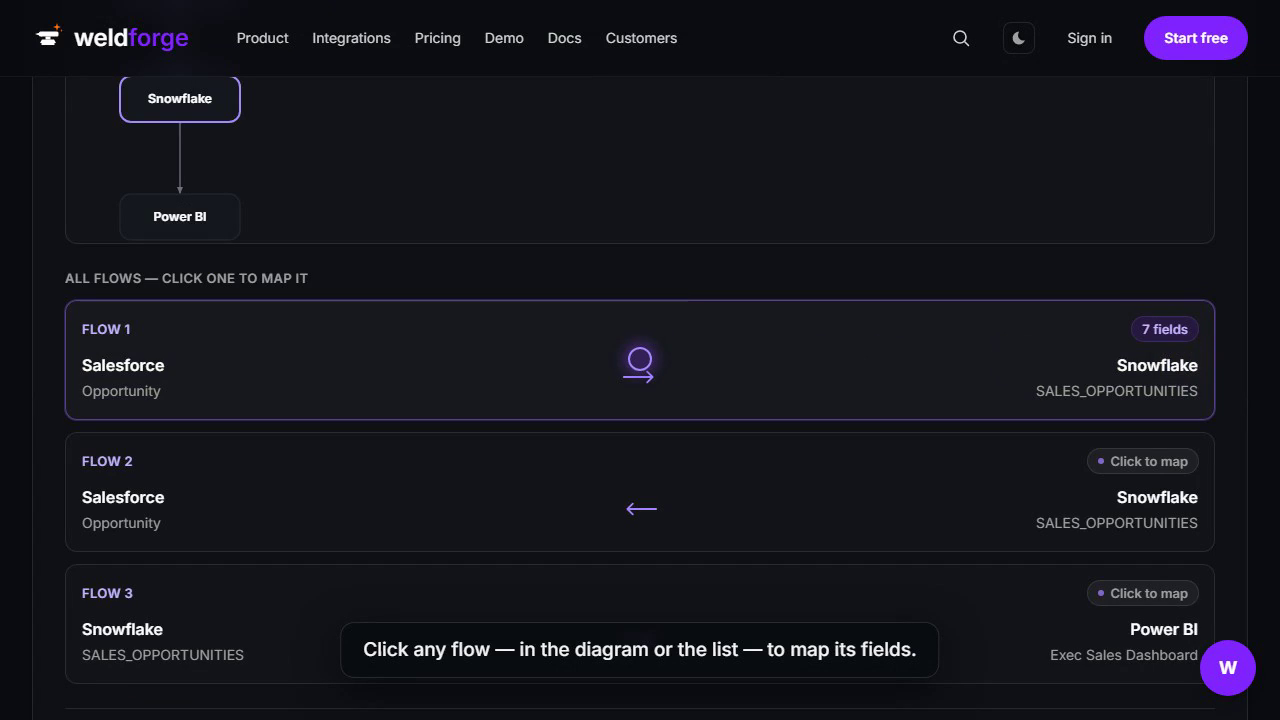 ·6 min watch
Map your integration yourself: a 6-minute walkthrough
Some people want to see the wiring. Our guided intake and mapping wizard let you sketch every flow and every field yourself — multiple directions, plain-English transforms, and a live diagram — then hand it to us to build. Here it is end to end.
Read post →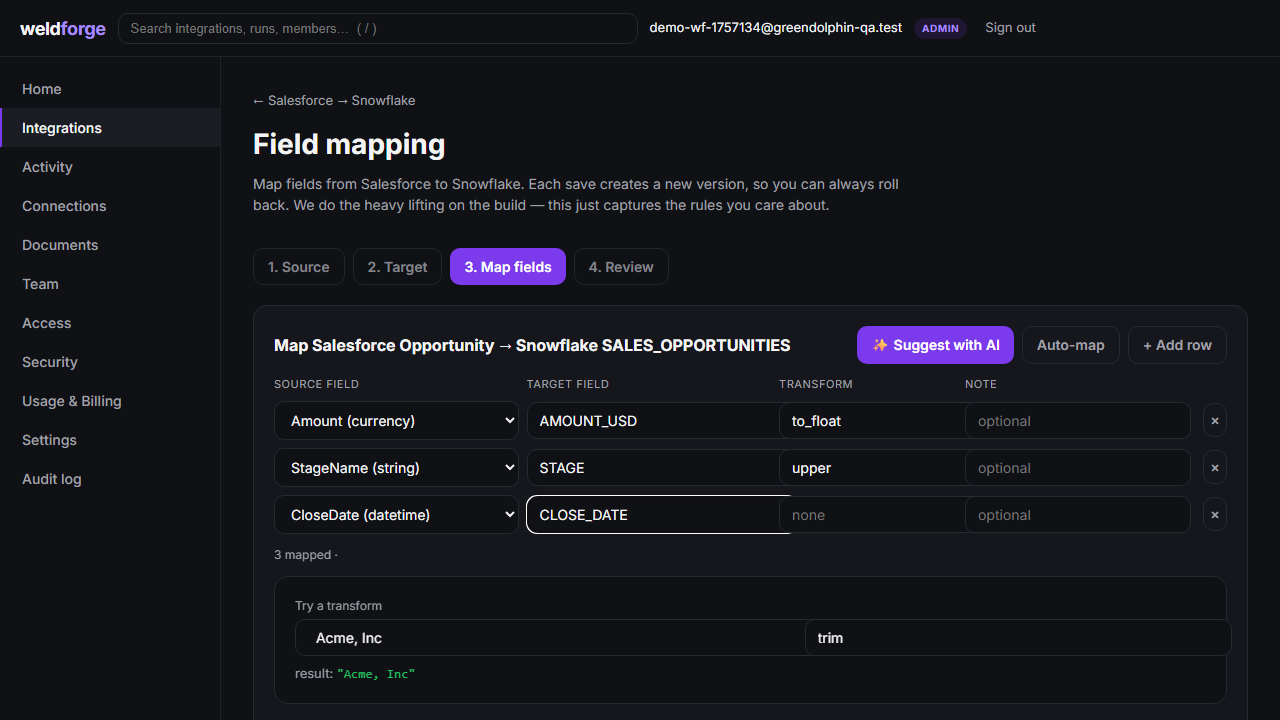 ·5 min watch
Watch it happen: from a plain-language request to live field mappings
A 5-minute walkthrough of the whole flow — describe an integration to the chat assistant, use the guided builder, and watch field mappings get built and saved on the platform. No tech decisions on your side.
Read post → ·3 min read
From one sentence to a running integration: how intake works
You describe what you want connected in plain language. We turn it into a scoped, flat-fee build — then deploy it and run it. Here’s the whole flow, start to finish.
Read post →- ·3 min read
Don’t see your system? We build the connector — on the fly
Weldforge isn’t a connector catalog you have to stay inside of. The common systems are ready to go; anything else — a niche app, an in-house API, a database, a file feed — we build when your project needs it, as part of your flat fee.
Read post → - ·4 min read
Your account, your data, your rules — and how we keep them safe
Roles, teams, and single sign-on you control, on a foundation of per-customer isolation, end-to-end encryption, and a full audit trail. Here’s how account management works at Weldforge.
Read post → - ·4 min read
Log in your way: enterprise SSO or simple sign-in
Run everything through Okta or Microsoft Entra? Use it. Small team that just wants in? Email login, done. Weldforge supports both — no IT project required.
Read post → - ·5 min read
Why we charge a flat fee (and why per-task pricing punishes you for winning)
Consumption billing looks cheap in year one and ambushes you in year two. Here’s why Weldforge prices a flat fee — and caps it.
Read post → - ·7 min read
Multi-tenant by design: how Weldforge keeps your data isolated
Row-level security, per-tenant encryption keys, and ephemeral runtime isolation — the architecture decisions behind a platform you can trust with your systems.
Read post → - ·6 min read
Spec-driven integration: how AI turns voice memos into production iPaaS code
A look at the pipeline that takes a two-minute voice memo and turns it into a deployed, monitored integration in days, not months.
Read post → - ·5 min read
Why we built Weldforge (and why it’s different from Zapier and Workato)
Every iPaaS asks you to become an integration engineer. Weldforge does the opposite — you describe the outcome, we ship it.
Read post →